Run Asset Discovery
NodeZero’s External Asset Discovery is an enumeration capability that finds all the assets linked to your organization. It leverages DNS, passive website crawling, certificate scraping, and Open Source Intelligence (OSINT)–gathering capabilities and services.
Discovery without exploitation
No exploitation is performed during this operation.
Initiating Discovery
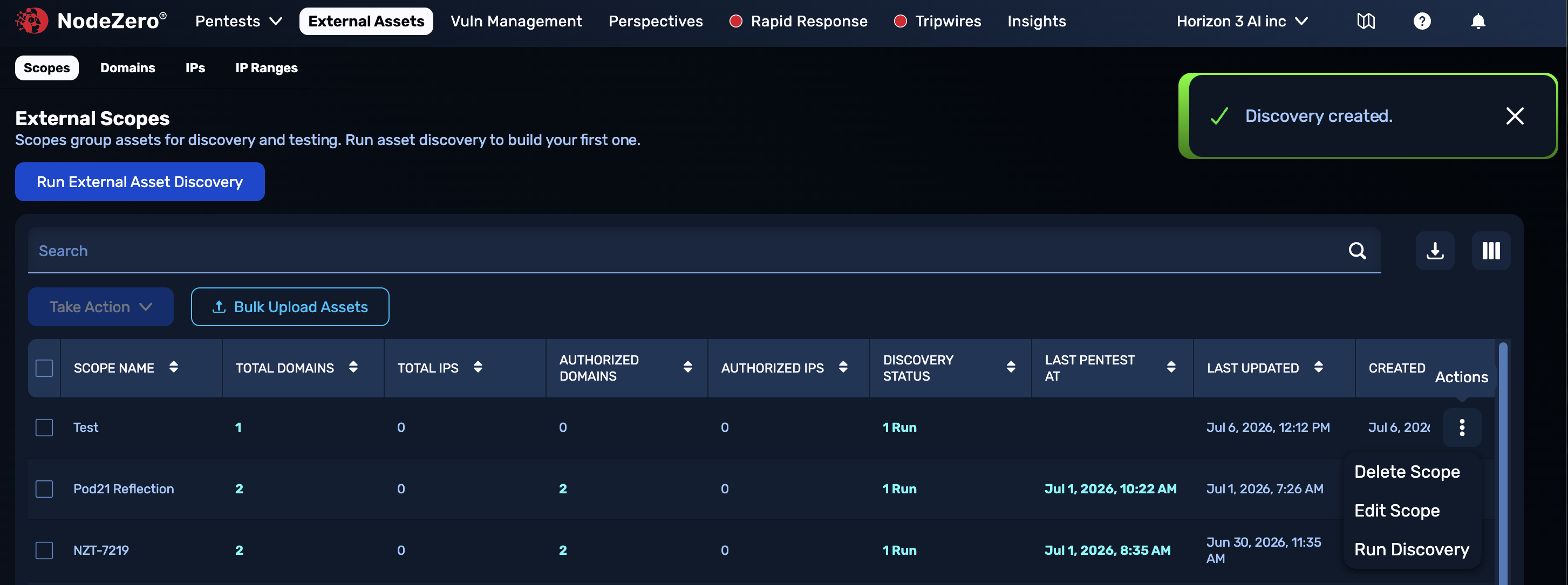
If you just configured your Scope and selected Start Discovery, the NodeZero Portal's External Scopes page will display a confirmation banner (shown below) that discovery has begun. As also shown below, you can use an existing Scope's Actions () menu to initiate discovery, or to edit the Scope's configuration or delete it.
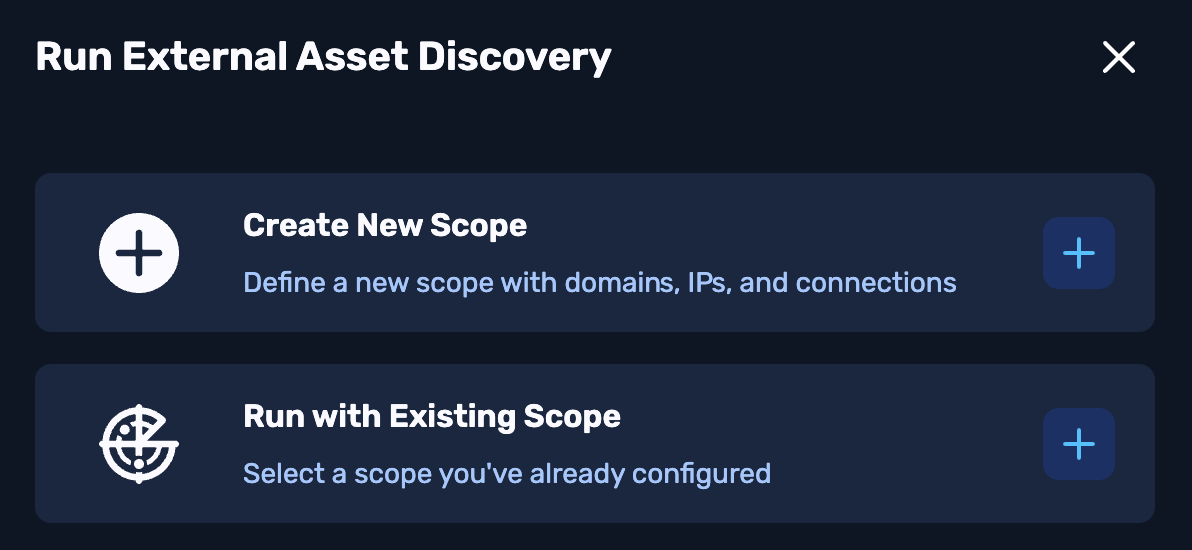
Alternatively, you can click Run External Asset Discovery from the upper left and, in the resulting modal, click the + button to the right of Run with Existing Scope.
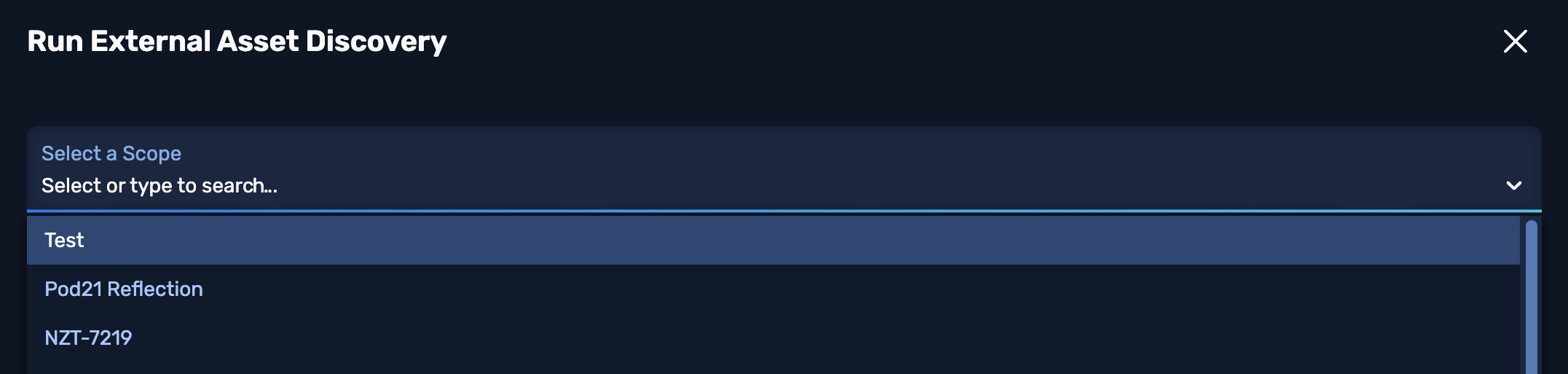
Then, use the Select a Scope drop-down and select Next.
The modal will expand, enabling you to review, optionally modify, and confirm your Scope's configuration before beginning discovery. (For details about these options, see Create a Scope.)
Asset Discovery Results
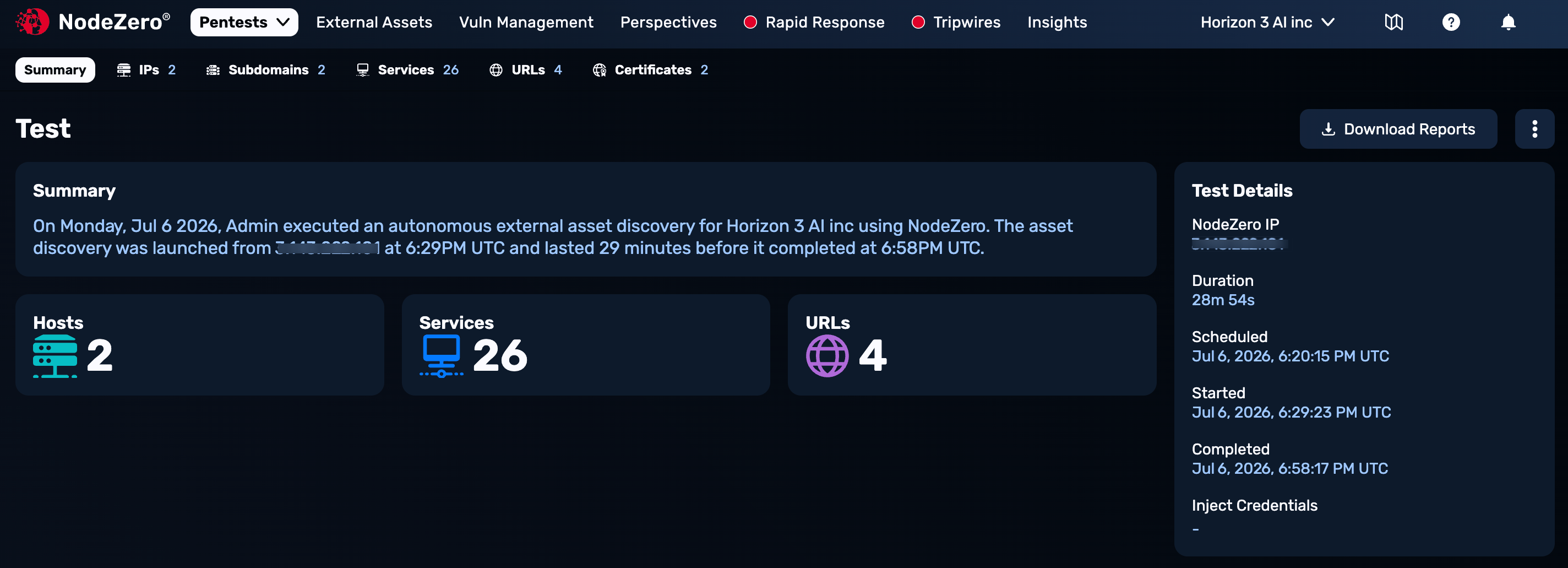
When Asset Discovery completes enumeration, NodeZero sends you an "Asset Discovery complete" email, with a link to display discovery results (as shown below).
Your next step is to authorize the discovered assets for external pentesting.